


 Morocco

























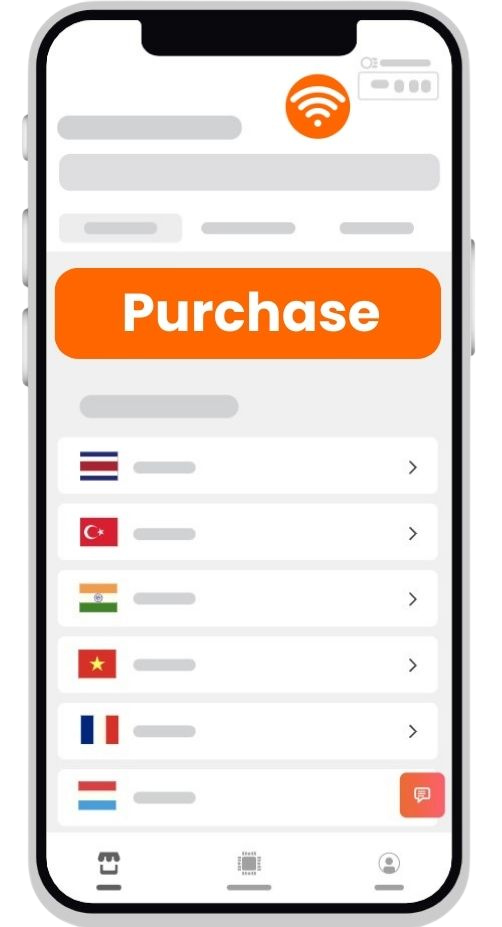
Select Destination
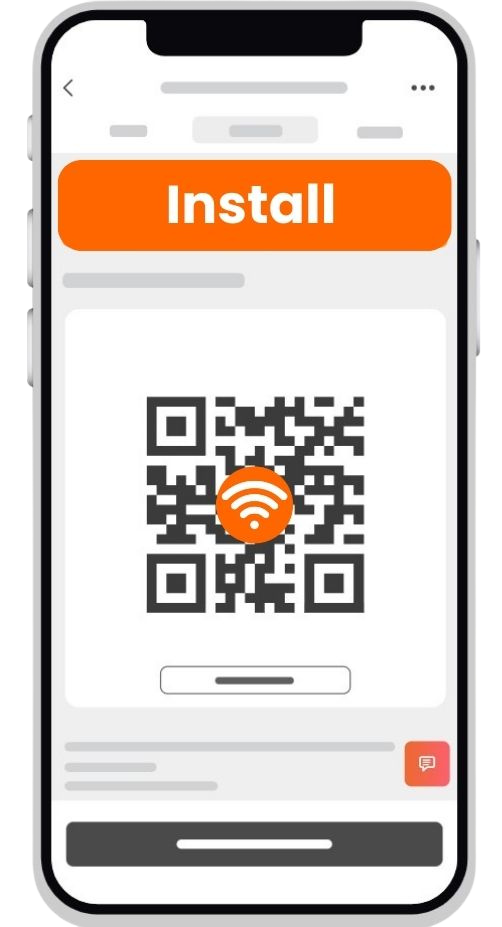
Install eSIM
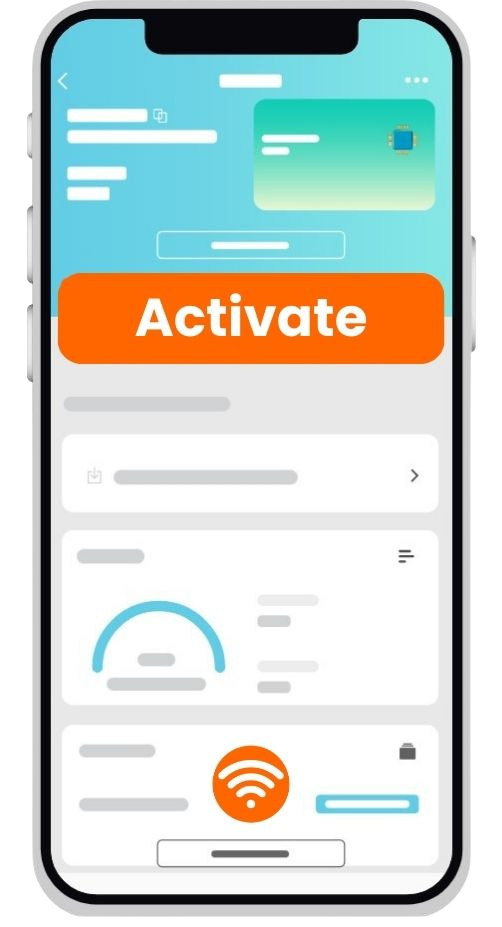
Enjoy

What is an eSIM?
An eSIM profile holds carrier and network subscription details, similar to a traditional SIM card. However, instead of a physical chip, the operator profile information is downloaded directly onto the eSIM chip in your phone. Therefore, your phone must support eSIM to use it.
What is an eSIM QR Code?
A QR code represents a download link and an activation code for your eSIM profile, simplifying the connection to the eSIM server and the downloading of the profile to your phone. Scanning a QR code is more convenient than typing a long string of text. However, if you cannot scan the QR code, you can manually enter the required information to activate your eSIM.
Please note that QR codes can only be used once. Once a QR code is scanned and an eSIM profile is downloaded, it cannot be used again on the same or another device.
Is my phone eSIM capable?
As eSIM technology advances, it becomes increasingly prominent, with many phone models now supporting it. Here’s a comprehensive guide to verifying if your phone is eSIM compatible and a list of compatible devices.
How to Verify eSIM Compatibility:
iPhone:
- Go to Settings -> Cellular (or Mobile Data).
- If you see ‘Add Cellular Plan’ or ‘Add Mobile Plan’, your phone supports eSIM.
Samsung:
- Go to Settings -> Connections -> SIM Card Manager.
- If you see ‘Add Mobile Plan’, your phone supports eSIM.
Google Pixel:
- Go to Settings -> Networks & Internet -> SIMs -> ‘+Add more’.
- If you have a Pixel 3/3a or later model, it supports eSIM.
List of Compatible Phones:
Apple:
- iPhones: iPhone XS, XS Max, XR, 11 series, 12 series, 13 series, 14 series, SE (2020)
- iPads: 10.2, Air, Mini 2019, Pro 11, Pro 12.9 (3rd Generation or later)
Google:
- Pixel 3/XL, Pixel 3a/XL, Pixel 4/XL, Pixel 4A 5G, Pixel 5, Pixel 5a, Pixel 6, Pixel 6 Pro
Samsung:
- Galaxy Fold, S20 series, Z Flip, S21 series, Z Fold2, Z Fold3, Note 20+
Important Exceptions:
- iPhone: Models produced for the Chinese market with two physical SIM slots do not support eSIM. If your iPhone can take two physical SIM cards, eSIM is not supported.
- Samsung: In some markets and model sub-variants, Samsung restricts eSIM capability by software. Always check for individual compatibility via Settings -> Connections -> SIM Card Manager. If you see the ‘Add Mobile Plan’ tab, eSIM is supported.
- Operator-locked devices: If your device is locked to a specific carrier due to a contract, it needs to be unlocked to use the eSIMs sold on our platform.
Full List of Supported Phone Models
Apple Phones:
- iPhone XS
- iPhone XS Max
- iPhone XR
- iPhone 11, 11 Pro, 11 Pro Max
- iPhone 12 mini, 12, 12 Max, 12 Max Pro
- iPhone 13 mini, 13, 13 Pro, 13 Pro Max
- iPhone 14, 14 Plus, 14 Pro, 14 Pro Max
- iPhone SE (2020)
Apple iPads:
- iPad Air (3rd Generation)
- iPad Pro (3rd Generation)
- iPad Mini (5th Generation)
Google Phones:
- Pixel 3/XL, Pixel 3a/XL
- Pixel 4/XL, Pixel 4A 5G
- Pixel 5, Pixel 5a
- Pixel 6, Pixel 6 Pro
Samsung Phones:
- Galaxy Fold, Galaxy S20, S20+, S20 Ultra
- Galaxy Z Flip, Galaxy S21, S21+, S21+ Ultra
- Galaxy Z Fold2, Z Fold3
- Note 20+
Please note that this list is not exhaustive, and more models may support eSIM as the technology continues to evolve. Always check the specific settings on your device to confirm compatibility.
Can I have more than one eSIM?
Yes, you can store several eSIM profiles on your phone, but only one can be active alongside your primary physical SIM. This means dual SIM functionality allows:
- Your primary physical SIM, and
- One of your stored eSIM profiles to be active at the same time.
Did you know?
Starting with the iPhone 13, Apple allows you to have two eSIMs active simultaneously, with the primary physical SIM card turned off. This feature is expected to become more popular in the future.
When should I buy my eSIM?
It’s entirely up to you.
We recommend buying and setting up the eSIM shortly before your trip so you can start using it as soon as you land. You can keep the eSIM off until you arrive at your destination.
Can I use the same eSIM package in multiple destinations?
Yes. If you buy a package that works in multiple countries, you can move between them and it will continue to work.
When does the package validity start?
Activation varies by operator and product. Typically, the package activates after you scan the QR code and download the eSIM to your phone, but there are exceptions. Please read the product description of the eSIM package you intend to buy for specific details.
Do I get a phone number with calls and SMS?
Please refer to the product description of the package. There are three options:
- Data-only packages – No phone number and no option for calls and texts.
- “This is a data-only eSIM. It does not come with a phone number.”
- Packages with a phone number but no call minutes and SMS.
- “This package does not include any minutes or SMS allowance.”
- Packages with a phone number, call minutes, and SMS.
- You will see a phone icon and a mention in the description.
Please remember, if your eSIM doesn’t support voice calling, you can still make calls using popular messaging apps such as WhatsApp, Viber, Skype, FB Messenger, etc. Your primary number will also remain active to make and receive calls.
IMPORTANT NOTE: Even when the eSIM comes with a phone number, using the phone number to register for various apps and websites is not guaranteed.
Can I use hotspot with my eSIM?
Yes, you can use a hotspot with your eSIM. To make it work, please follow these steps:
- Disconnect WiFi.
- Use data from your eSIM.
- Restart your phone.
- Turn on your hotspot.
If it still doesn’t work, ensure the correct APN is set in the hotspot section.
Can I use the eSIM on my smartwatch?
Yes, you can use an eSIM with your smartwatch, but only if your smartwatch supports mobile connectivity via eSIM and is not otherwise restricted. Please refer to your smartwatch manufacturer’s guide to confirm the eSIM capability and activation instructions for your specific model.
IMPORTANT NOTE: Apple Watch is not supported. Apple Watch requires sharing the same subscription with your iPhone. Please contact your carrier to check if they can help you connect your Apple Watch to the mobile network.